How to Read the Blackjack Table Layout
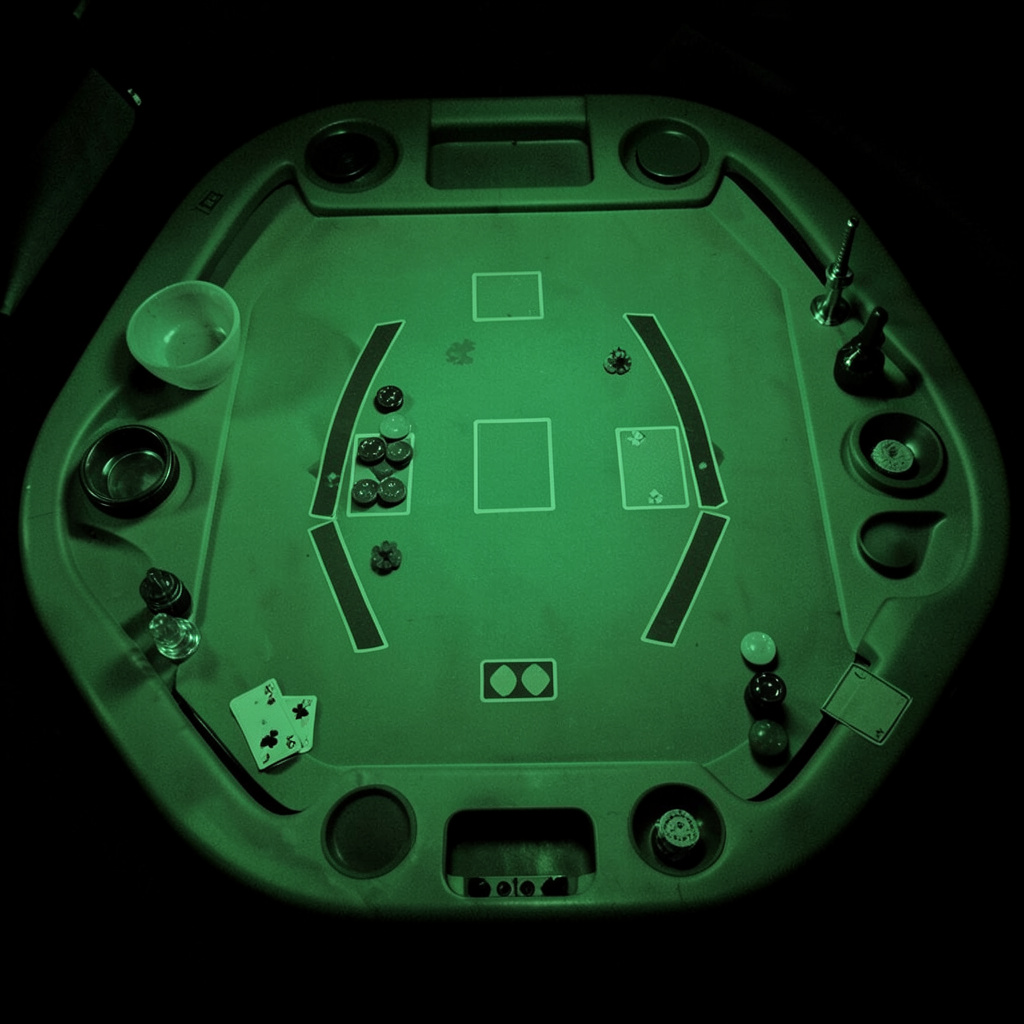
A blackjack table can look busy at first, with betting circles, chip areas, card boxes, and small labels competing for attention. Once each zone has a clear purpose, the layout becomes a useful guide to the order of play rather than a source of confusion.
The same basic structure appears in land-based casinos and digital blackjack lobbies. Online versions may add buttons for dealing, splitting, doubling, insurance, and changing the stake, while the underlying table positions remain familiar.
For Australian players, the display may show Australian dollars, AEST session times, responsible gambling notices, and local payment or account settings. It is important to check whether a service is legally available in your state or territory, as Australia’s Interactive Gambling Act 2001 restricts the provision of online casino games to Australian residents.
Reading the Layout From Left to Right
Most blackjack tables are shaped like a semicircle. The curved outer edge is where players sit or select a betting position, while the straight or central section is reserved for the dealer. In a physical casino in Sydney or Melbourne, the dealer faces the players from the inside of the curve. In a digital lobby, the same arrangement is usually shown from the player’s viewpoint.
The dealer’s area commonly includes a card placement zone and a chip tray or virtual bankroll display. Player positions run across the lower edge of the screen, often marked with numbers or separate betting circles. If several seats are available, you can usually choose an empty position without affecting the basic rules of the game.
Look for the main betting circle first. This is where your initial wager is placed before the deal. Some tables include a second circle for a side bet, such as Perfect Pairs or 21+3. Side bets have separate payouts and rules, so their position on the layout should not be mistaken for part of the standard blackjack hand.
Recognising Betting Positions
A standard player position contains a betting area and a hand area. The wager goes in the circle or rectangle nearest the player, while dealt cards appear above it. On a live dealer table, the dealer may wait until all chips are visible before pressing the deal button. On an automated table, the countdown clock usually signals when betting closes.
Additional markings can show where split hands will appear. When a pair is split, the original hand normally remains in its position and a second hand opens beside it. Digital interfaces may display separate action buttons for each hand, helping you identify which hand is active before choosing hit, stand, double down, or surrender.
The chip selector is often positioned below or beside the table. Choose the denomination before placing a wager, then check the total stake shown on screen. This is especially useful when playing in Australian dollars, where a casual-looking chip value can represent a larger amount than expected. A quick review of the currency, minimum bet, maximum bet, and session balance is a sensible habit.
Following Dealer and Player Information
The dealer’s upcard is normally placed in the centre or upper section of the table, with the second card either face down or hidden until the dealer’s turn. In an online game, the hidden card may appear as a back design or shaded card. The dealer upcard is the key piece of visible information because it helps determine the strength of the dealer’s likely hand.
Your own cards appear in the selected player box, often with a running total displayed beside them. Automated scoring is convenient, but it is still worth checking whether an ace is being counted as one or eleven. For example, an ace and a six may be displayed as a soft 17, while an ace, six, and ten becomes a hard 17.
Some interfaces show table limits, blackjack payout, dealer rules, and the number of decks along the border. These details matter more than decorative graphics. Before joining a live HD table, review whether blackjack pays 3:2 or 6:5, whether the dealer stands on soft 17, and whether doubling after a split is allowed. These rules can differ between platforms and variants.
Using the Layout During a Hand
Reading the table efficiently means following a simple sequence: confirm the stake, locate your hand, check the dealer upcard, and identify the available action buttons. Avoid clicking quickly simply because a countdown is running. Fast sessions are useful for experienced players, but speed should never replace checking the total or the selected wager.
Australian users may play at different times across Perth, Adelaide, Brisbane, Melbourne, and Sydney, so live-table availability can change with local demand and time-zone differences. A table showing many occupied seats is not automatically better than a quieter one. The layout, rules, limits, and transparency of the interface are more important than the number of players visible.
- Confirm the currency and minimum stake before placing chips.
- Locate the dealer’s upcard and your complete hand.
- Check whether the total is hard, soft, or a pair.
- Read every action button before selecting it.
- Treat insurance and side bets as separate wagers.
- Set a time and spending limit before starting a session.
After each decision, watch where the cards move. A split hand may shift to a second box, and a doubled wager may appear beside the original stake. Understanding these visual changes reduces accidental actions, particularly on a mobile screen during a commute or evening session.
Comparing Physical and Digital Table Features
Digital blackjack tables often compress several physical areas into a compact interface. The betting circle may be replaced by a clear stake panel, while card movement, chip placement, and dealer gestures are animated. Automated tables provide faster scoring, whereas live dealer tables reproduce the pace and visual cues of a casino floor.
Players checking a platform’s current lobby, promotions, or table changes can review latest casino updates before deciding which format suits their preferences. Promotions should be read carefully for wagering conditions, expiry dates, eligible games, and any Australian regulatory limitations.
| Feature | Physical Blackjack Table | Digital Blackjack Table |
|---|---|---|
| Betting area | Marked circle or box for chips | Virtual stake panel or betting circle |
| Dealer position | Person seated across the table | Animated dealer or live HD dealer |
| Hand total | Calculated by the dealer | Usually calculated automatically |
| Action timing | Controlled by dealer and table pace | Countdown timer or instant selection |
| Rules display | Printed on felt or explained verbally | Shown in a help or information panel |
| Multiple hands | Limited by available seats | Often available through split or extra positions |
A clear layout should make the betting limits, game rules, card totals, and action choices easy to find. If any of these elements are hidden, confusing, or difficult to read on a phone, choose a different table or leave the game until the information is clear. Gambling services should be used only where permitted, by adults aged 18 or over, with spending kept within a planned entertainment budget.
Use this layout-reading method the next time you inspect a blackjack game: identify the dealer zone, locate the betting circle, check the rules, and follow each hand as it moves. Then compare available tables carefully and choose a format that is transparent, lawful for your location, and comfortable for your pace.